Project Breakdown:
Automated Monthly Performance Reports
& Lender Analytics
Project Summary
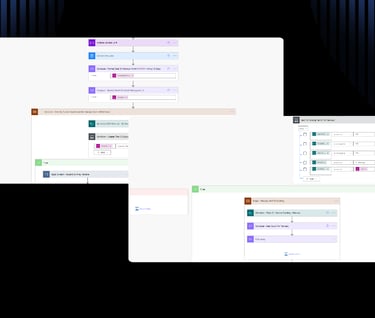
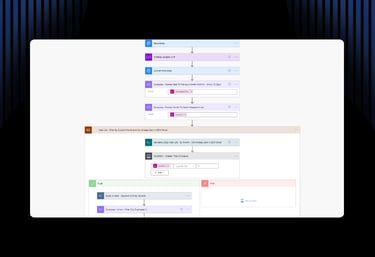
Developed a “zero-touch” business intelligence tool that automates the extraction, transformation, and delivery of monthly sales data. Utilizing SharePoint, Excel, Outlook, Power Automate, and custom expressions, the system generates dynamic lender-specific summaries and month-stamped Excel audits, saving significant administrative hours and streamlining executive decision-making.
The Problem
Management required a complex performance report at the start of every month, detailing deal distributions across multiple lending partners. The manual process of filtering SharePoint databases, calculating totals, and creating formatted Excel spreadsheets for auditing was time-consuming and prone to human error.
The Solution & My Role
As the sole IT Specialist on-site, I took it upon myself to build a scheduled cloud workflow to handle the entire process automatically each month. My role involved:
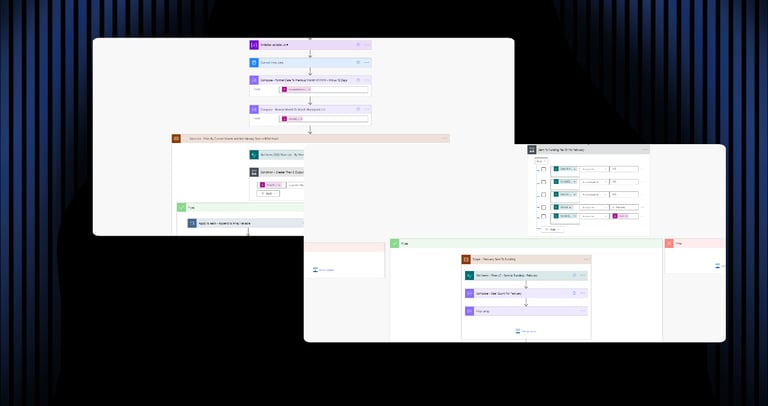
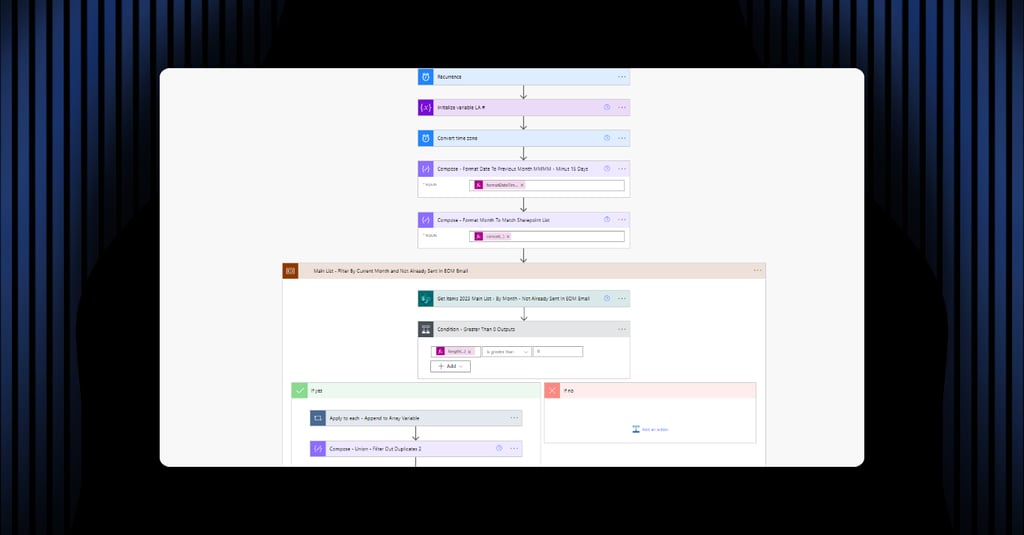
Workflow Architecture: Designing a scheduled trigger logic to ensure data consistency by running on the 2nd of each month.
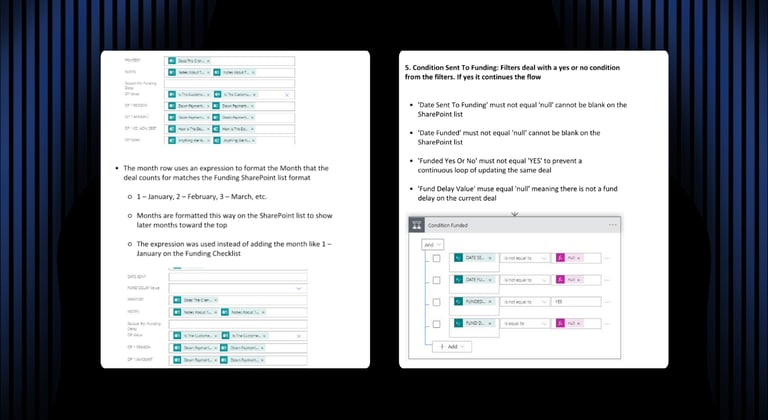
Data Transformation: Using custom expressions to filter large SharePoint datasets for the previous calendar month and calculate metrics for “Closed” vs. “Unwound” deals.
Dynamic File Generation: Developed a process that duplicates a custom Excel template, dynamically populates it with a list of internal Deal IDs (for CRM cross-referencing), and saves it with a month-and-year-stamped filename.
Automated Distribution: Configuring the flow to save the generated report to a specific SharePoint folder before attaching it to a dynamically generated Outlook summary email.
Tech Stack
Automation: Power Automate (Scheduled Cloud Flow)
Database: SharePoint Online
Productivity: Excel Online (Business), Microsoft Outlook
Logic: Advanced Power Automate Expressions & Dynamic Content
Challenges & Solutions
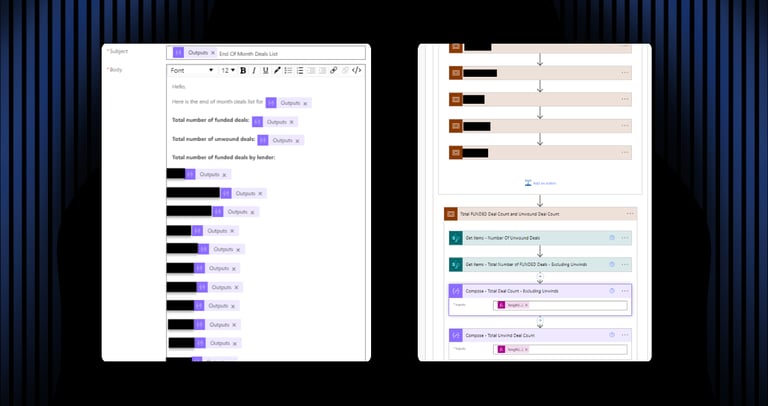
Challenge: Creating a readable summary that accounted for a fluctuating number of active lending partners each month.
Solution: I used custom expressions to filter and count the number of deals per lender, allowing the email body to dynamically list each lender individually without requiring hard-coded variables.
Challenge: Management needed a detailed audit trail of all Deal IDs, but manually formatting an Excel sheet every month was inefficient.
Solution: I engineered a solution that used a “Master Template” file. The flow automatically duplicates this template, injects the filtered monthly data, and uses expressions to dynamically rename the file (e.g., Monthly_Report_Jan_2026.xlsx) before saving it to SharePoint and attaching it to the final email.
Outcomes & Impact
100% Manual Task Elimination: Converted a recurring multi-hour manual task into a fully autonomous execution.
Zero-Touch Auditing: Provided management with an immediate, pre-formatted Excel deep-dive every month, streamlining the audit process with the CRM/LOS.
Data Integrity: Guaranteed 100% accuracy in reporting by pulling directly from the SharePoint “source of truth,” removing human calculation errors.